People
Server-rendered HTML, one page per endpoint and one per group, readable with JavaScript off. Request examples in six languages, a search box that needs no server, and an optional playground.
Free · MIT · Laravel 12 · PHP 8.2+
Lusen reads your routes, form requests and resources and writes static HTML for people, Markdown and OpenAPI for machines, llms.txt for retrieval models and an MCP server for agents. Zero configuration. No database. No JavaScript needed to read a page.
$composer require fpeposhi/lusen
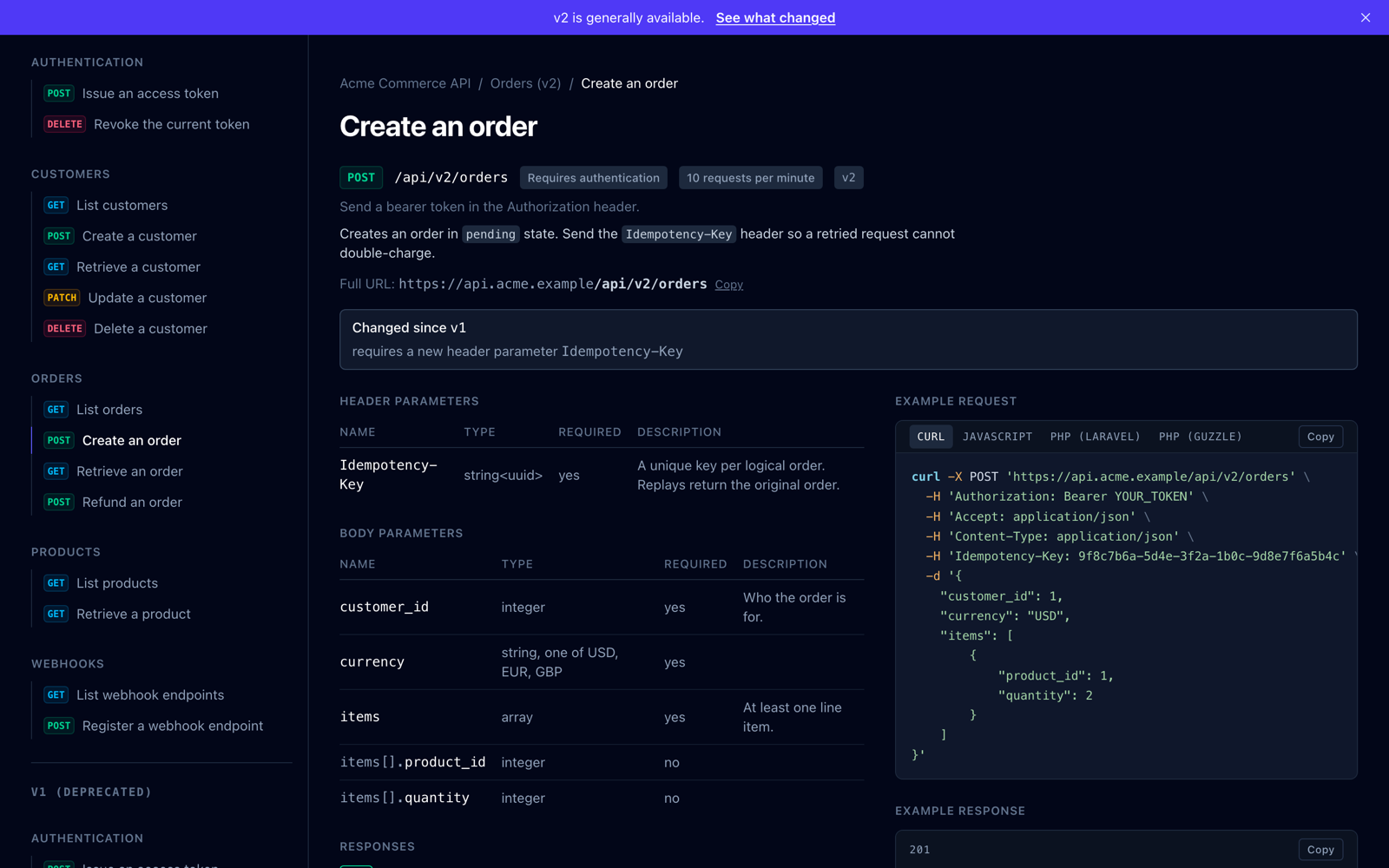
An endpoint page from the example. Nothing in it is a mockup: it is the package's own output over a fictional API.
Most API docs tools write for a developer with a browser. Lusen writes for three audiences at once, from one description of your API, so none of them gets a lesser copy.
Server-rendered HTML, one page per endpoint and one per group, readable with JavaScript off. Request examples in six languages, a search box that needs no server, and an optional playground.
Canonical URLs, real meta descriptions, JSON-LD and a sitemap. One page per question, so nothing competes with itself for a query.
A Markdown twin of every page (swap .html for .md), llms.txt, OpenAPI 3.1, a discovery document at /.well-known/api-docs, and an MCP server that answers with the same Markdown a person reads.
Extraction is static analysis of your source. A build never boots the application, so it runs in CI against a checkout with no .env, and it reads more than you would think to write down.
items.*.product_id included."paid" rather than "string".Where inference stops, attributes and docblocks have the last word, including the ones another tool left behind.
The example under /example/ is 24 endpoints across 9 groups, two versions served at once. Everything below was written by the same build.
composer require fpeposhi/lusen
php artisan lusen:build
That is the whole setup. Lusen discovers api/* routes and documents them with no configuration, writing to public/docs so your web server serves flat files with no PHP on the request path.